
 LinkedIn
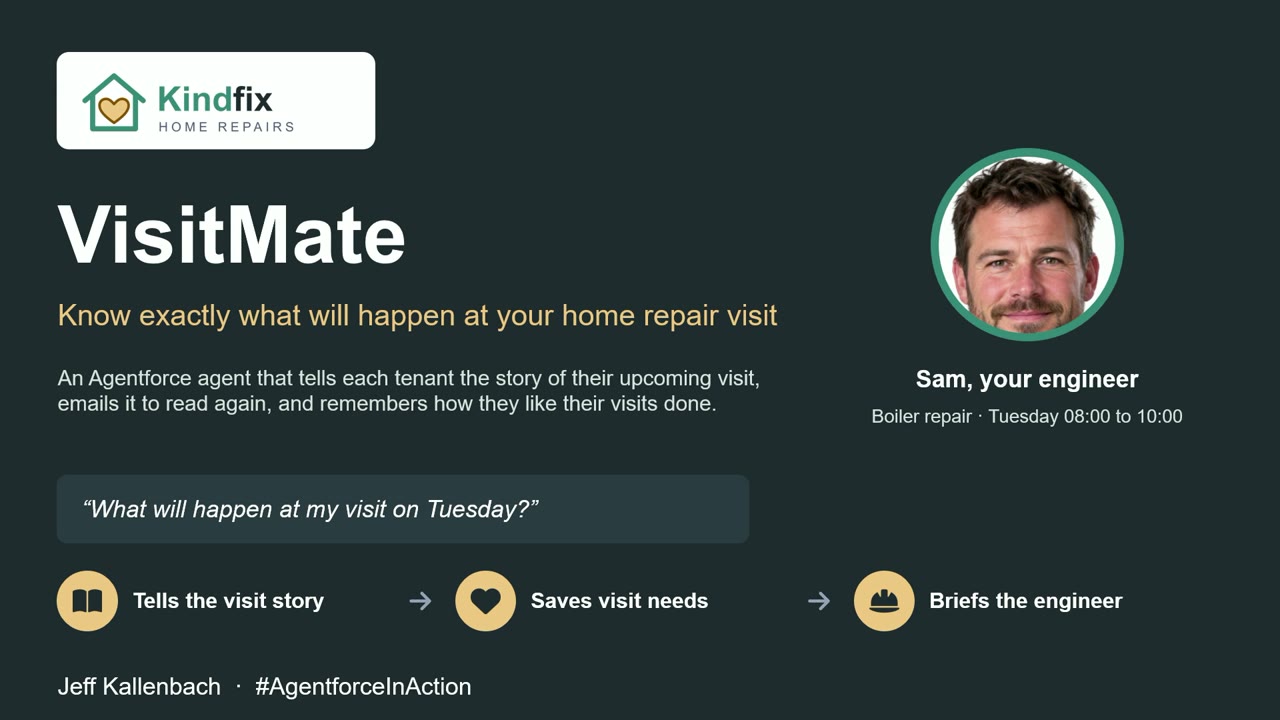
VisitMate tells each tenant the story of their own repair visit, from the real booking: who is coming, every step, and when it will be loud. It remembers how they like visits done and makes sure the engineer knows. It records what someone needs, never why.
A stranger in your home, loud noise, the water off. For lots of people a repair visit is stressful, and for many autistic people it can be overwhelming. Autism charities recommend social stories: short, step-by-step descriptions of what will happen. Nobody generates them from real visit data. VisitMate does.
Three Agentforce agents, each with one job:
- Tenant Agent: chats on the website, shows who is coming with a photo, tells the visit story step by step, saves the tenant's needs and emails them the story
- Instructions Agent: turns those needs into clear instructions for the engineer
- Advisor Agent: briefs the repairs team in the service console and moves visits, keeping the needs
Behind them are 18 flows, 3 prompt templates and a custom chat on the Agent API. Every fact comes from Salesforce records; the agents choose the words and the moment. Kindfix Home Repairs is a fictional company created for the demo.
Needs, not types
The most important design decision was what not to store. VisitMate records what a person needs, never why. There is no diagnosis, no condition and no free-text needs field. If a tenant says "I'm autistic, the doorbell is awful", the agent saves "Knock, don't ring" and tells them it has not saved anything else. The needs carry forward to every future visit, so the tenant only has to say it once.
How the agents work together
The Tenant Agent is an Agentforce service agent on the Kindfix website. It verifies the tenant with a visit reference and postcode, then answers from the real booking: the engineer, the job type and its steps, how long each step takes, and when it will be loud, dusty, or the water or power will be off.
When a need is saved, changed or removed, or a visit is booked, moved or given a new engineer, a record-triggered flow calls the Instructions Agent. It reads a fact sheet for the visit, drafts the engineer's instructions with a prompt template, and saves them. The instructions update about 10 to 20 seconds later, with no one asking.
The Advisor Agent is an employee agent in the Kindfix Service Console. It briefs the repairs team on the open visit, records a need the tenant phoned in, and moves a visit after confirming first. The needs move with it.
The division of labour is deliberate: Salesforce records hold the facts, flows do the work, and the agents decide the words and the moment.
Why I built my own chat window
I wanted the agent to show cards in the chat: the engineer's photo, a coloured timeline of the visit and a needs chooser. Salesforce's Enhanced Chat would not draw custom Lightning Type cards for a service agent, only text. I tested object-type schemas, Flow and Apex actions and several other routes before ruling it out.
So VisitMate has its own chat component on the Experience Cloud site, talking to the agent through the Agent API. The Agent API does not return action outputs, so the agent writes a small tag such as [[card:timeline:RV-0042]]. The chat hides the tag and runs the same flow to fetch the card data. The important point is that the card and the agent's words come from the same records.
Making it reliable enough to demo
An agent that is right most of the time is not good enough in front of a tenant. In rehearsal, the needs chooser step skipped saving the tenant's choices in about half the runs. The fix was to make that step deterministic: a variable set when the tenant is verified routes the next message straight to the needs chooser, which runs the save flow itself. For the scripted moments, the flows build the whole reply and each step has its own subagent.
I also compared models for the engineer's instructions. In my testing, GPT-4 Omni sometimes invented or repeated instruction lines; Claude Sonnet 4.6 followed the rules, so the Visit Instructions prompt uses it.
The email that never arrived
The Tenant Agent can email the visit story. The flow reported that it had sent, but nothing arrived. Salesforce now only sends from verified senders, and email sent inside the agent's own run, as the agent user, is dropped without an error. The fix: the agent's action publishes a platform event, and a separate flow sends the email as an admin user. It is a useful pattern for any Agentforce agent that needs to send email.
What I would tell another team
- Decide what you will not store before you decide what you will
- Keep facts in Salesforce records and let the agent choose only the words
- Where a step must happen every time, make it deterministic rather than trusting the model
- Test every outbound action end to end, not just the agent's reply
Told once. Respected every time.